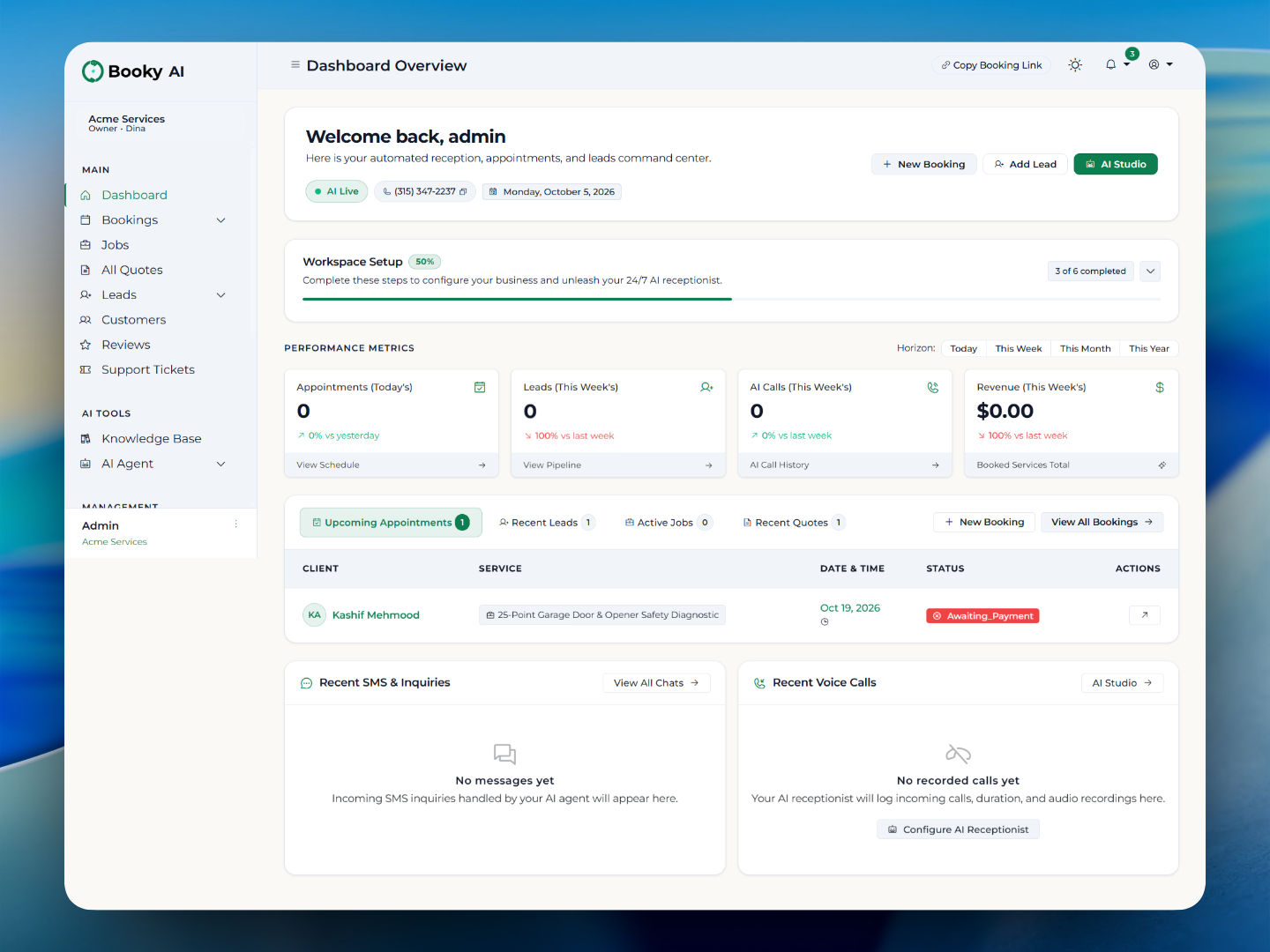
Set your services and prices, add your field staff, and connect payments. Then let AI agents and booking forms bring customers into the same booking workflow.
14-day free trial. All features included. No credit card required.
Take a closer lookManage customer conversations, bookings, and field staff from your business portal.
Your booking workflow, connected from the start.
Here is how an inquiry becomes a booking with eligible field staff and a clear payment step.
Your prices. Your staff hours. Your agent instructions.
Answer questions. Help customers book.
Deploy voice and text agents on calls, SMS, website chat, website voice calls, Instagram, and Facebook Messenger. Agents can also start outreach automatically when your business adds a lead.
From the customer
“My garage door won’t open. Can someone come out tomorrow?”
Booky AI
“I can help with that. What’s the service address, and is the door stuck open or closed?”
Service, location, and job details in one conversation.
The requested service. An available staff member.
Assign each field staff member the services they provide and their working hours. An agent selects the first eligible staff member available for the chosen slot. On booking forms, customers can choose staff themselves.
Example booking details
Garage door repair
Selected time
Tomorrow, 10:00 AM
Service address
Customer’s address saved
Job notes
Door stuck closed
The booking is confirmed after payment or payment authorization.
Generate the invoice. Confirm the slot.
Connect Stripe or Square to collect customer payments. Each booking generates an invoice, and full payment or payment authorization confirms the slot. Booking notifications are available by email and in the app.
To the customer
“Your booking invoice is ready. Complete payment or payment authorization to confirm your selected time.”
Payment connected to the bookingCustomers can pay invoices in their customer portal.
A clear record for you and your customer.
Illustrative conversation and booking details. Your configured services, prices, and staff hours guide the workflow.
Custom work starts with an approved quote.
Agree on the scope and price before your business turns the quote into a job.
The stageYour customerYour business
Review the quote
Receives the quote by email and can review it in the customer portal.
Creates a custom quote and clicks Send to Customer.
Approve and pay
Approves the quote and pays the required deposit or full amount.
Sets the quote’s payment requirement and reviews its approval.
Create the job
Can view the job in their customer portal.
Clicks to convert the approved quote into a job, then schedules visits.
One job can include multiple visits with different field staff. The approved quote sets the payment arrangement for the job; each visit does not create a separate charge.
Set up the business. Connect the booking workflow.
Your agents, forms, portals, and team work from the services and settings you define.
Voice and text agents
Add your instructions and deploy agents to phone calls, SMS, website chat, website voice calls, Instagram, and Facebook Messenger.
Answers from your business documents
Upload documents to your knowledge base. Agents use relevant information from those documents together with your instructions when answering customer questions.
Your services and pricing
Set base prices, service durations, service items, and optional add-ons. Make the booking options reflect what your business offers.
Field staff and calendar sync
Set staff service assignments and working hours. Keep the selected field staff’s Google Calendar connected with two-way sync. An ICS calendar file is also available to download.
Booking payments
Connect Stripe or Square. Confirm a booking with full invoice payment or payment authorization, and use deposits or full payment for custom quotes.
Forms on your website
Embed a booking form on any website. Customers can choose services, add-ons, field staff, and a time, then complete payment.
Customer and business portals
Create bookings from your business portal or let customers book themselves. Customers can view jobs, approve quotes, pay invoices, reschedule, cancel, send messages, and leave reviews.
Automatic lead outreach
Add a lead to start agent outreach automatically. Customers can also start a conversation by calling or messaging your connected channels.
Customer support with context
Agents can check availability, book, reschedule, cancel, and look up customer, booking, job, and quote details. They can create tickets and request human help.
Quotes and jobs with multiple visits
Send custom quotes by email and through the customer portal. Convert approved quotes into jobs yourself and assign different field staff to each visit.
Email and in-app notifications
Keep booking updates visible through email and notifications inside Booky AI. Customers can also check their details in the customer portal.
Add your business, service prices and add-ons, field staff service assignments and hours, a payment gateway, and voice and text agent instructions. Upload business documents to your knowledge base, then connect the channels and booking forms you want to use.
Can my team still manage the bookings?
Yes. Your team can review and manage bookings, customer details, and conversations in the workspace.
Where can I see pricing and included features?
Visit the pricing page to compare plans, included features, and usage allowances before choosing.
Put your next booking on the calendar.
Try Booky AI free for 14 days. Set up your services, field staff, and agents with access to every feature.
Customize your data and tracking preferences below. Your choices will be stored for 6 months. For full details, review our Privacy Policy and US State Privacy Notice.
Global Privacy Control (GPC) Signal Detected:
Your browser has signaled an opt-out preference. Targeted advertising and data sharing cookies have been automatically disabled to respect your choice under CCPA/CPRA.
Strictly Necessary Cookies
Always Active
Essential for core system functionality, CSRF attack defense, secure authentication tokens, and load balancing. These cookies cannot be turned off.
sessionid, csrftoken, __cf_bm
Analytics & Performance
Aggregated metrics that help us evaluate platform usage, page load times, error diagnostics, and feature adoption.
_ahrefs_analytics, error tracking, telemetry
Marketing & Data Sharing
Under California (CCPA/CPRA) and other US state laws, the use of third-party advertising tags may be classified as "sharing" personal info. Toggling this off opts you out ("Do Not Sell or Share My Personal Info").
Notice of Opt-Out: Turn this switch off to exercise your CCPA/CPRA Opt-Out Right.